


Description
Classification:
A4N33067 Braille with red light
A4N33067 Red light without Braille
A4N33067 Blu-ray with Braille
A4N33067 Blu-ray without Braille
A4N33067 Orange light with Braille
A4N33067 Orange light without Braille
A4N33067 White light with Braille
A4N33067 White light without Braille
A4N61737 Braille with red light
A4N61737 Red light without Braille
A4N61737 Orange light with Braille
A4N61737 Orange light without Braille
A4N61737 Blu-ray with Braille
A4N61737 Blu-ray without Braille
You need to provide a picture of the plug-in on the back to the customer service. It is also necessary to note the light-emitting color (red light, white light, blue light, orange light), with or without Braille, and the content of the specific words.
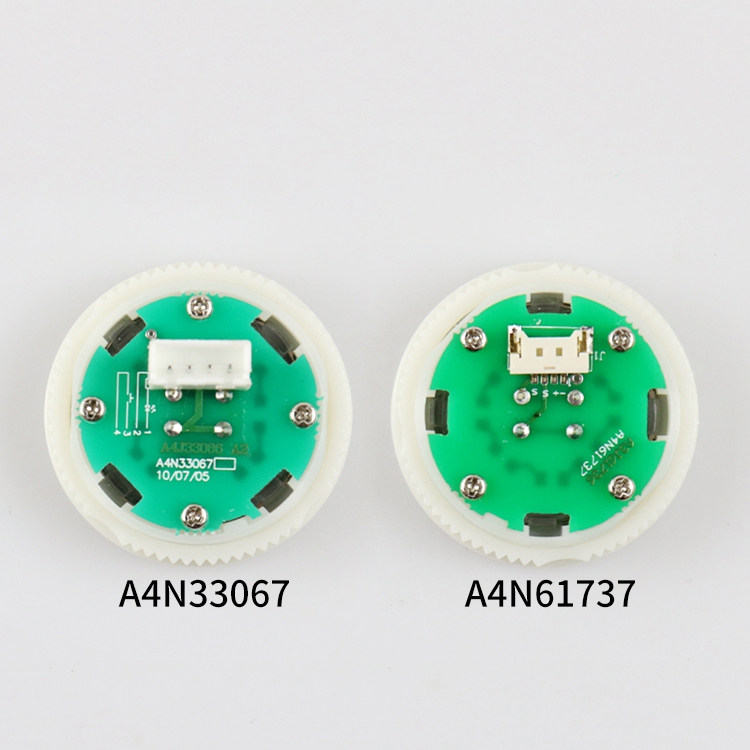
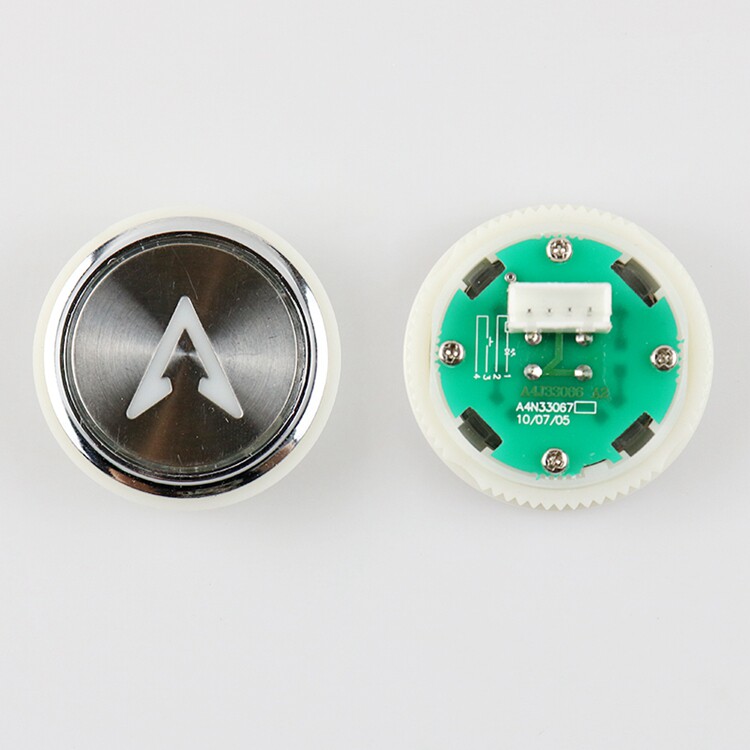
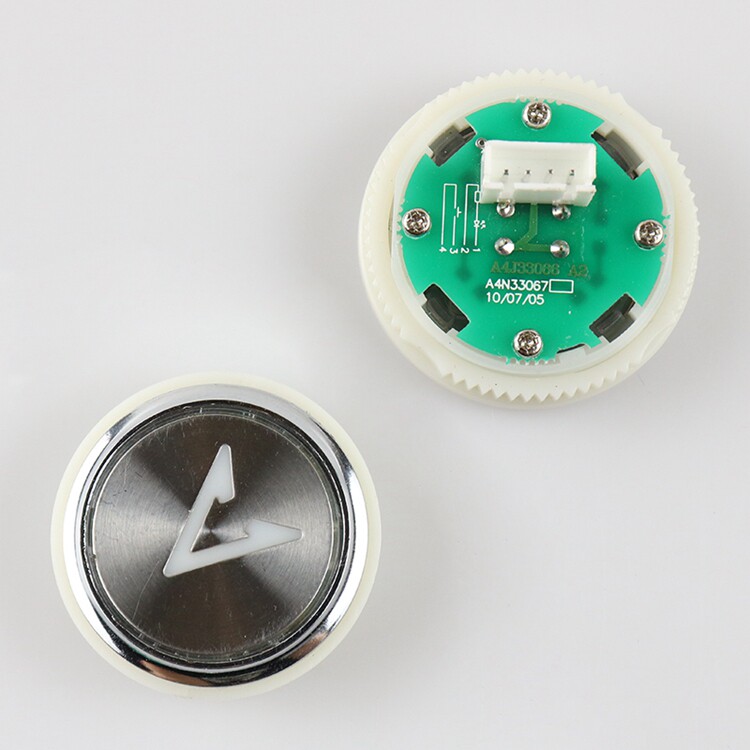
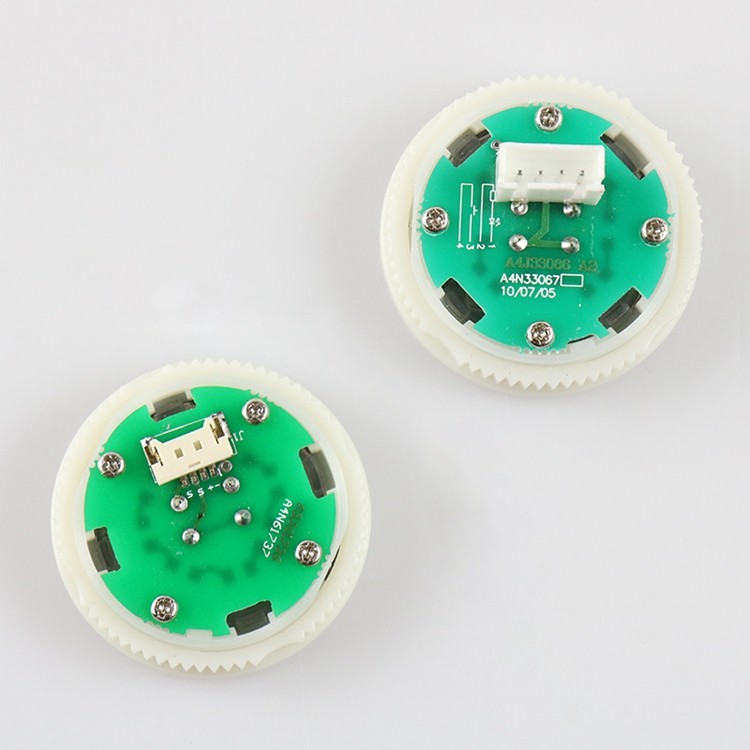
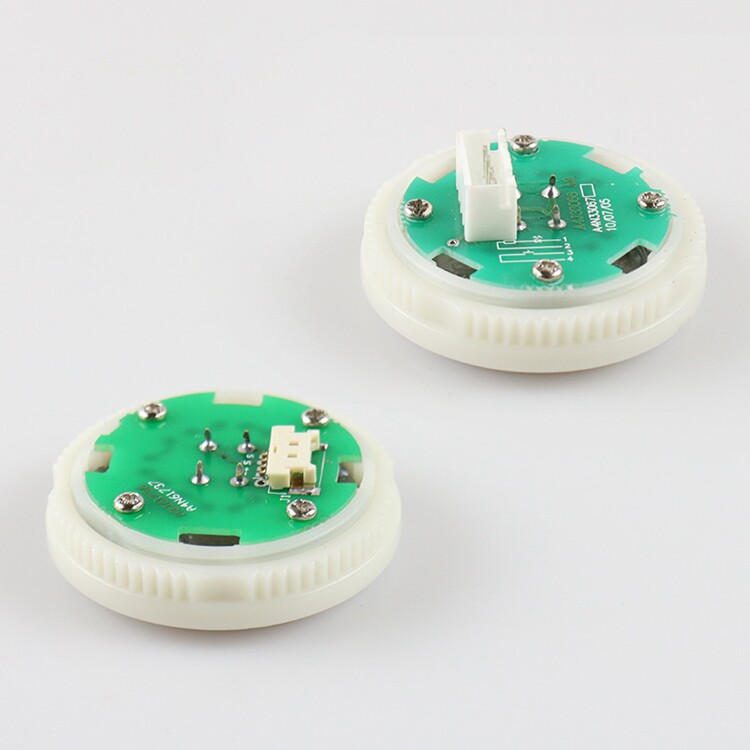
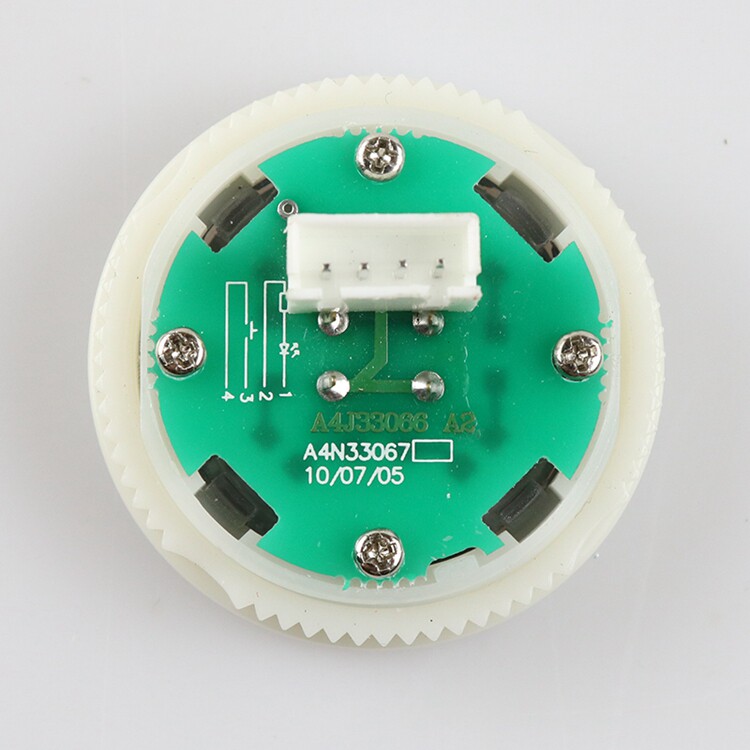
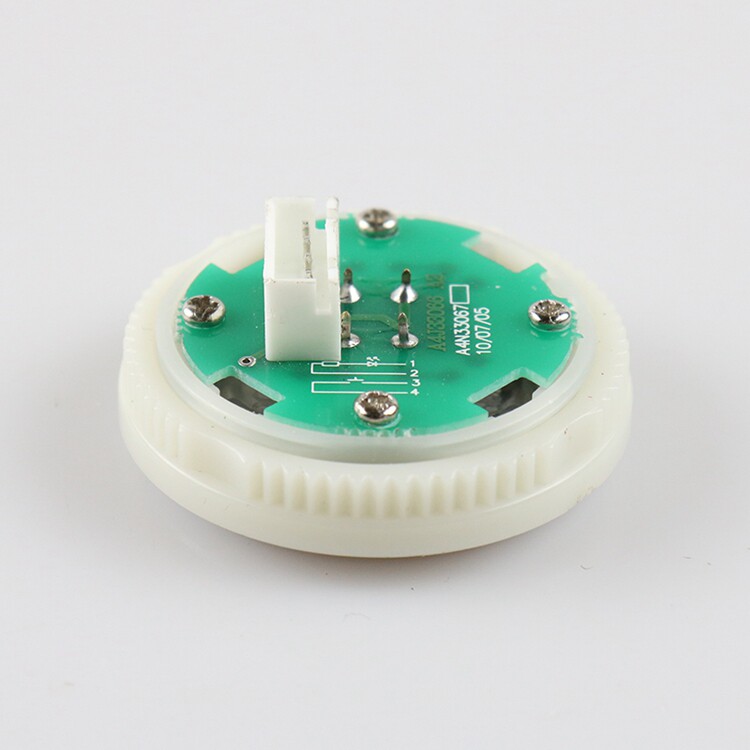
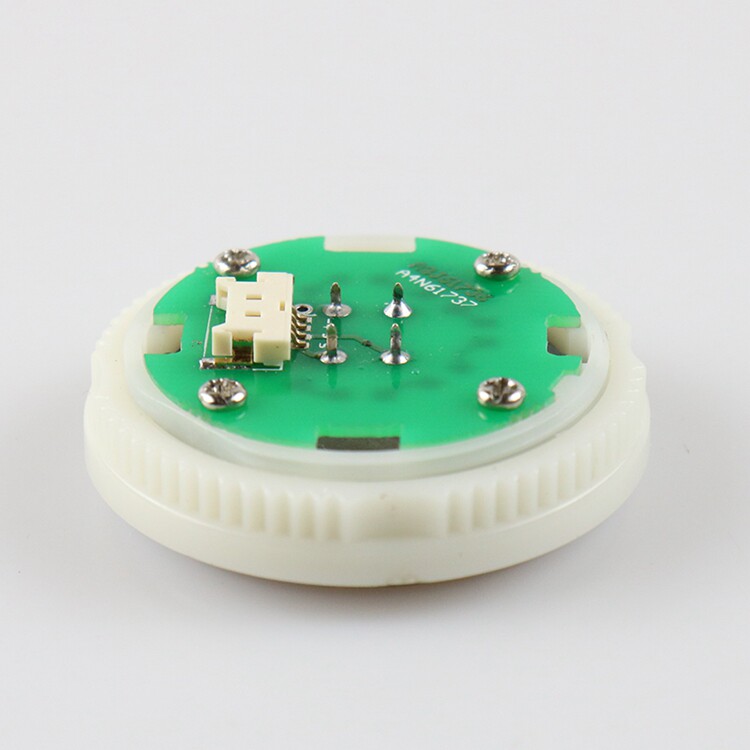
Table of Contents
- elevator button a4n33067 — Stock, Fitment and Lead Time
- How to identify the right elevator button a4n33067
- Where elevator button a4n33067 is normally fitted
- Service notes before you replace elevator button a4n33067
- Ordering and shipping
- elevator button a4n33067: frequently asked questions
- How quickly can you ship?
- Can you supply an alternative if the original code is obsolete?
Jiangyin One Elevator keeps elevator button a4n33067 in the aftermarket range we ship to maintenance contractors and distributors in more than 60 countries. This listing covers the Elevator button A4N33067 as a complete supply line: the assembly itself, the wear items that sit around it, and the documentation you need to confirm the fit before you pay. Every elevator button a4n33067 we dispatch is pulled from a decommissioned installation or taken from current production, then checked against the failure modes that actually occur in service.
elevator button a4n33067 — Stock, Fitment and Lead Time
Supply is organised around the way maintenance contractors actually buy. You can take a single elevator button a4n33067 as a like-for-like replacement, or take it as part of a wider order that consolidates freight. Condition grading is explicit, so a tested pull and a new-build unit are never quoted as the same thing.
Condition grading is what separates a useful aftermarket supplier from a warehouse full of boxes. A tested pull from a decommissioned installation can be an entirely sound service part, but only if it has been checked against the failure modes that actually occur.
How to identify the right elevator button a4n33067
Identification is the step that decides whether a elevator button a4n33067 fits first time. The reliable route is the controller catalogue number or the code stamped on the original assembly, backed up by a photograph of the mounting face. Dimensions alone are rarely enough, because the same outline is often used across two generations with different electrical characteristics.
Where the root cause is the same assembly sold under different codes in different markets, in our experience compatibility questions are answered before the order rather than after the return.
Where elevator button a4n33067 is normally fitted
In service, a elevator button a4n33067 is most often replaced during modernisation, after a breakdown, or as part of a planned refurbishment where several wear items are done at the same visit. Contractors who plan the visit tend to order the surrounding consumables with it, because the labour is already on site.
Documentation travels with the part when it is done properly. A datasheet, a fitting note or simply a record of what the component was tested against removes a great deal of uncertainty for the engineer on site, particularly when the installation predates the current maintenance contractor.
Service notes before you replace elevator button a4n33067
Where the fixings, springs or rollers around the assembly are worn, replace them in the same visit; the labour is already paid for. Check the mechanical interface — hole centres, thickness and travel — with callipers rather than by eye, since two revisions can share an outline.
The underlying cause is usually lead times that are longer than the interval between service visits, which is why the equipment model, the controller family and the exact reference printed on the failed component identify the replacement.
Ordering and shipping
To order elevator button a4n33067, send the part code, a photograph and the machine type. Quotations come back with the condition grade, the lead time and the freight options, and consolidated orders can be packed into one shipment to cut the per-unit cost.
Related stock held alongside this line: Elevator limit switches, Elevator Levelling Sensor, Elevator Encoder. These are the families most contractors order together, and they can be quoted as one consolidated shipment.
Consolidating orders matters more than it appears. Freight costs and customs handling are largely fixed per shipment, so combining several wear items into one consignment is usually cheaper than ordering them separately as each one fails.
elevator button a4n33067: frequently asked questions
How quickly can you ship?
Stocked elevator button a4n33067 normally leaves within the same week. If the unit has to be pulled from a specific installation, we tell you the handling time up front rather than after payment.
Can you supply an alternative if the original code is obsolete?
Yes. Cross-matching by interface and rating is the normal way to handle a superseded code, and the alternative is quoted with the mapping explained so your technician can verify it before fitting.
The parts that are hardest to find are usually the ones that fail most often, which is why orders are consolidated where possible, because freight and customs handling are largely fixed per shipment.
For the standards and manufacturer references that govern this component, see ISO 8100-1 — lift safety standard and IEC — electrical equipment standards. Confirming the rating against the published specification is the safest way to close out an identification question.

0.0 Average Rating Rated (0)